Picks up a correspondence you started but didn’t send. Mediref saves patient details, files, recipients and message as you go — the line at the bottom of Compose reads Saving draft…, then Draft saved with how long ago that was. Only files that have finished uploading are saved into the draft, so let uploads finish before you walk away.
Steps
- Press G then D, or click Drafts in the sidebar.
- Click the draft to reopen it in Compose, finish it off, and click Send.
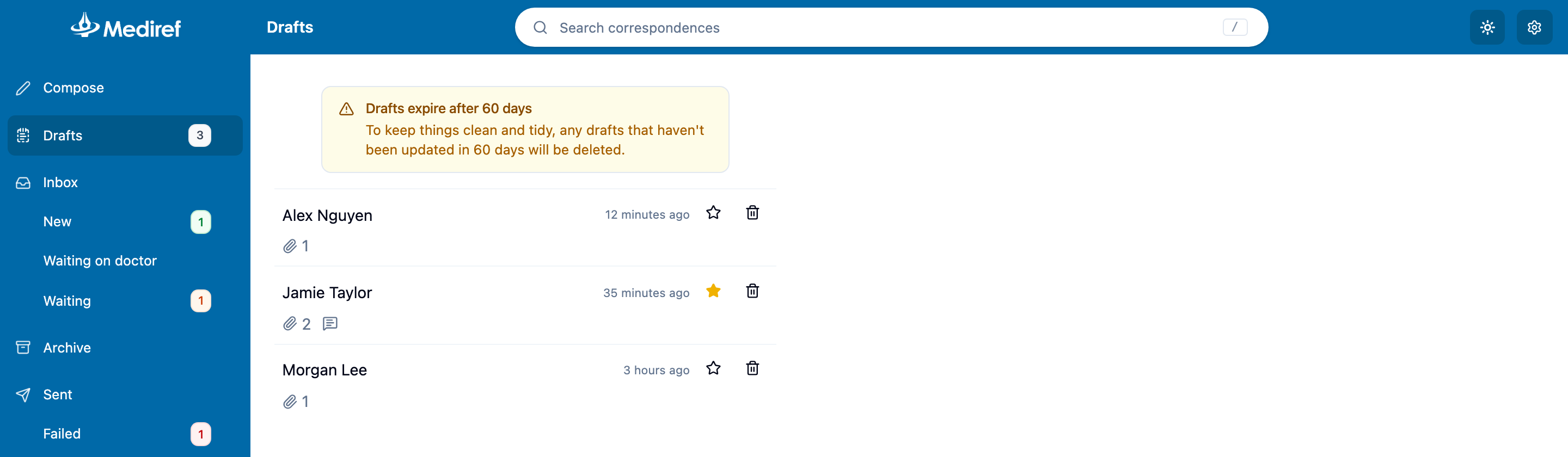
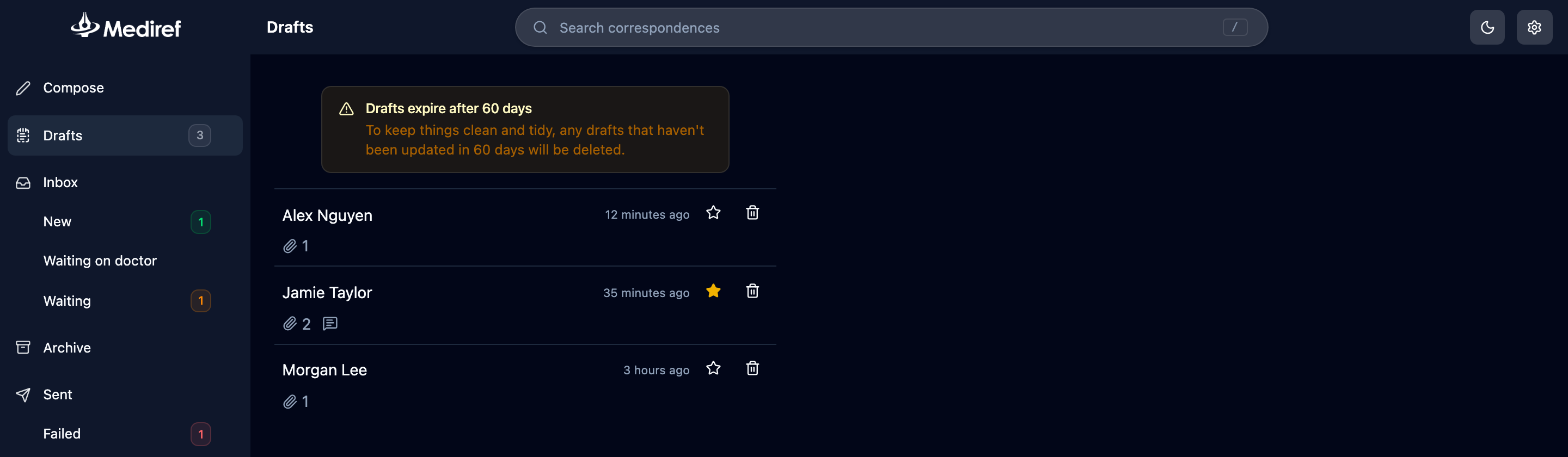
Rows are always ordered by when each draft was last saved. The star marks a draft as important so it stands out, but doesn’t move it up the list. The bin button deletes a draft immediately, with no confirmation.