One Windows installer puts on both the Mediref app and the Mediref printer, so you can print straight into Mediref, have received files saved for you, and have Mediref start with the computer. You need an administrator account on the computer, but not a Mediref sign-in to download.
Steps
- Open the Integration page and click Download Windows Installer. The file is
Mediref-With-Printer-X.X.X.exe. - Open it from Downloads and follow the setup wizard to the end.
- Open Mediref from the Start menu and sign in. It opens in its own window, not inside a web browser.
- Repeat on every computer that needs the integration, then see Send correspondence using the Windows printer.
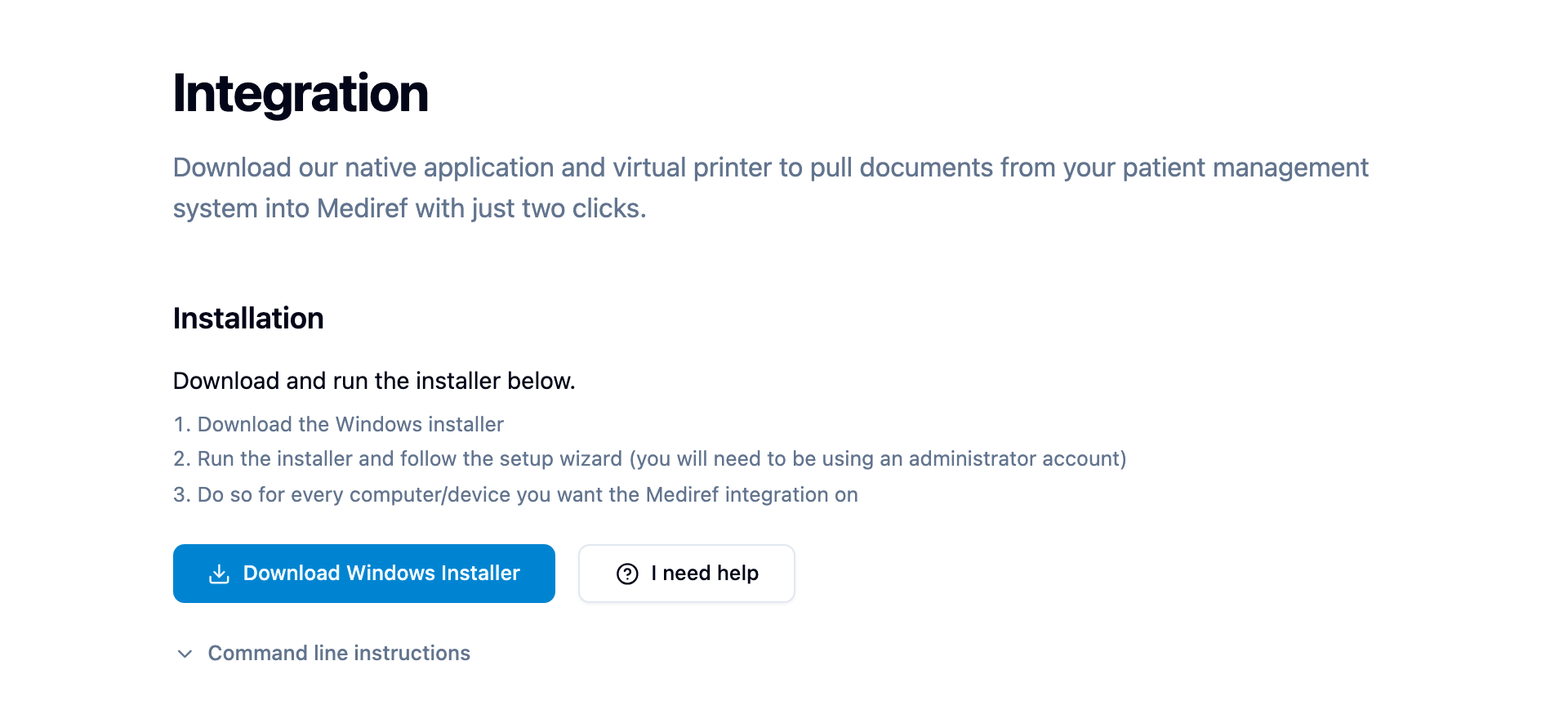
Further down the Integration page, All Available Downloads has separate Windows Application and Windows Printer installers, and Command line instructions has the PowerShell commands for a silent install and for uninstalling.