Optional key presses that move you around Mediref without the mouse.
Jump to a page
Press G, let go, then press the second key. Two presses, one after the other, not together.
| Press | Goes to |
|---|---|
| G C | Compose |
| G D | Drafts |
| G I | Inbox |
| G A | Archive |
| G S | Sent |
| G R | Directory |
| G T | Settings |
| G B | Settings › Billing |
| G P | Settings › Practitioners/Team |
| G / | The Search page |
Single keys
| Press | What it does |
|---|---|
| / | Jumps into the search box in the blue bar across the top |
| ; | Jumps into the search box above the list you’re looking at |
| B | Saves the view you’re looking at to the sidebar |
| Shift / | Opens Support, where you can search help articles or send us a message |
The quick jump box
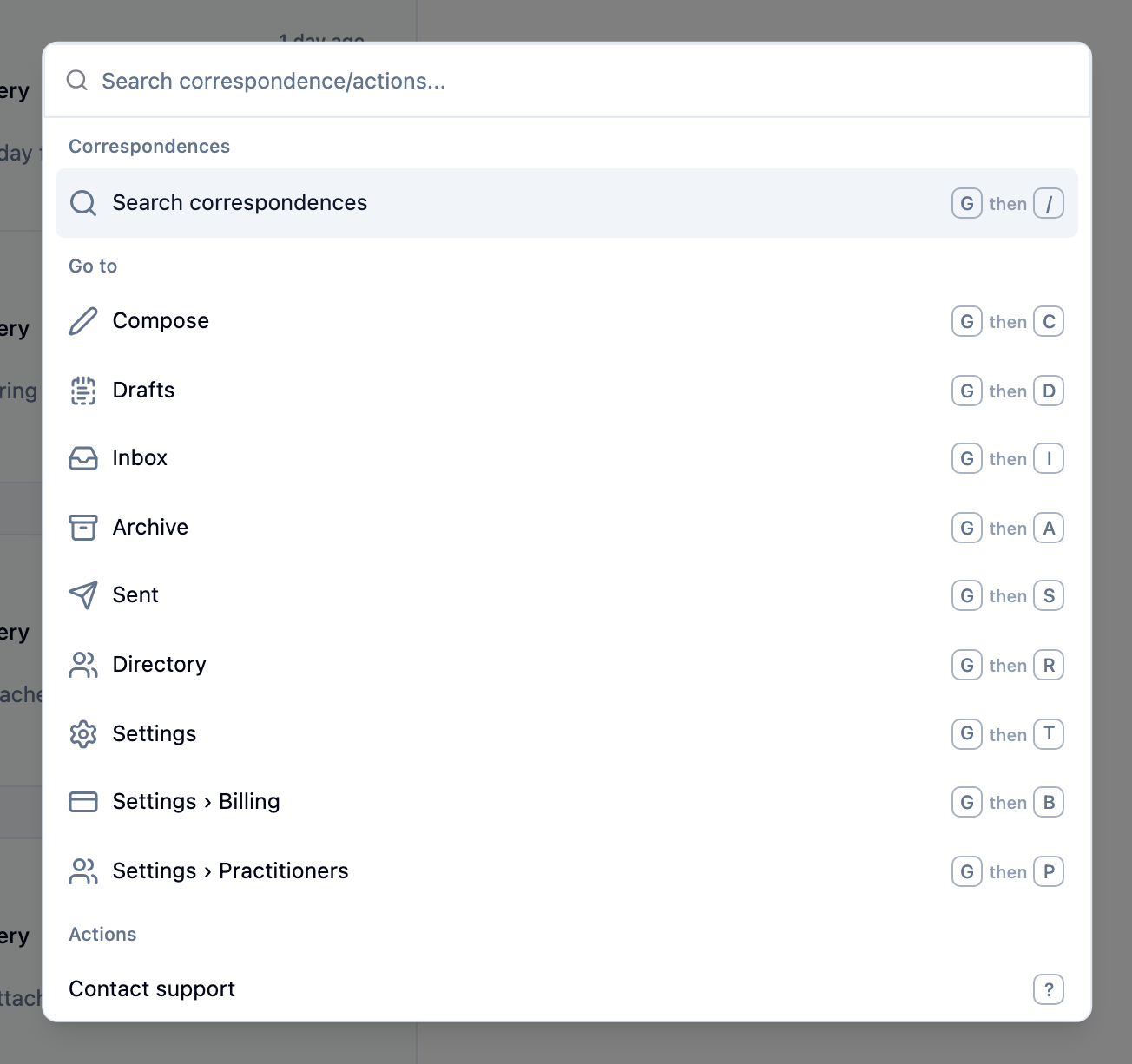
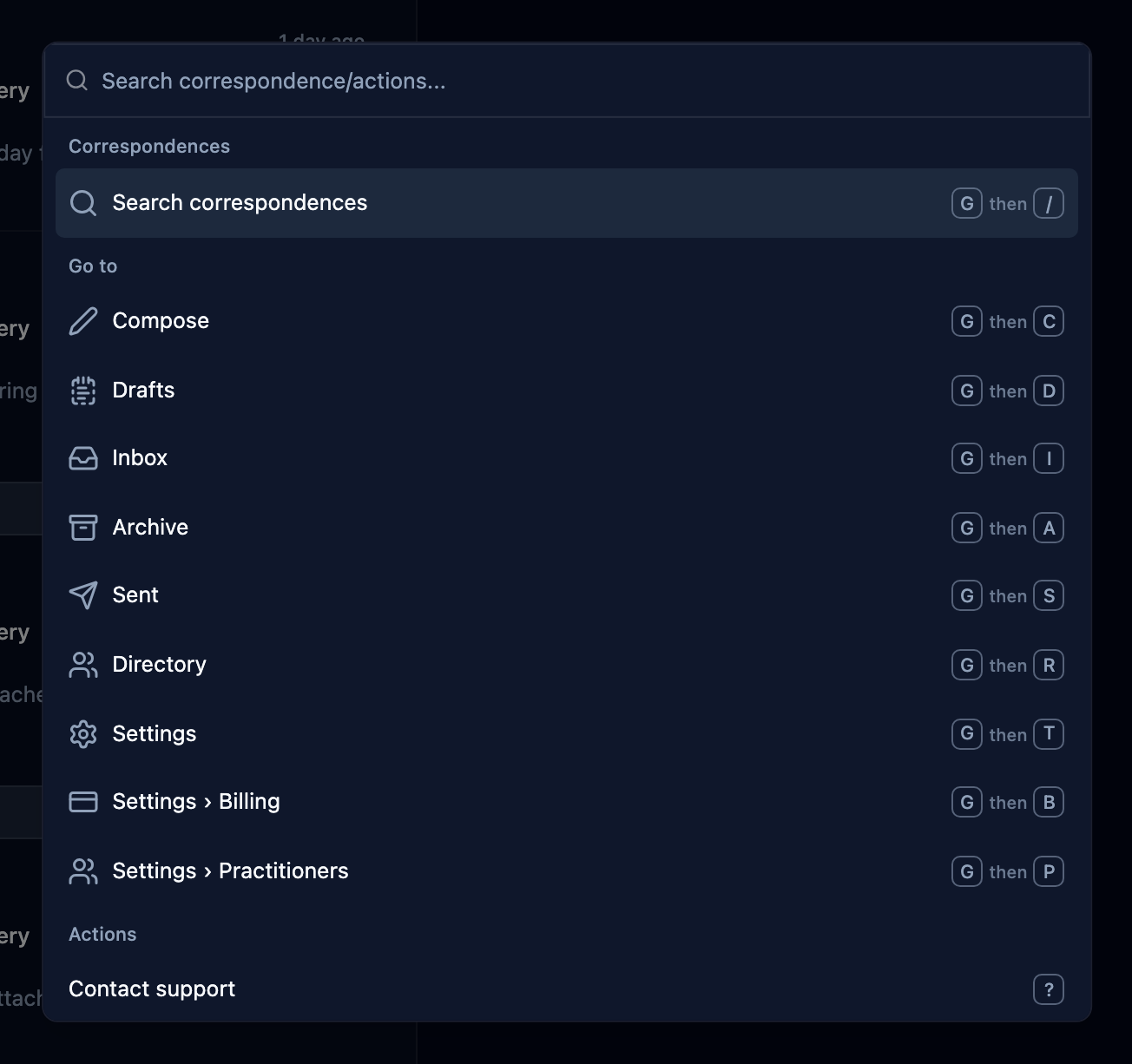
Press Ctrl K, or Cmd K on a Mac. There’s no button for it.
Typing gives you Go to for the pages listed above, Actions for contacting support, saving the current view and changing the text size, and Correspondences once you’ve typed three characters or more. With a correspondence open, a fourth group under the patient’s name holds Archive correspondence and Get support for this correspondence.