Keeps a filtered list one click away in the sidebar — everything tagged “Waiting on doctor”, say, or everything in Sent that hasn’t been opened yet.
Steps
- In Inbox, Archive or Sent, set the filters above the list: a tag, a status, a date, or a search.
- Press B, or click the star in the filter bar. The view is saved straight away.
- A Name this bookmark box appears with a name already filled in. Keep it or type a clearer one and click Save; Skip keeps Mediref’s suggestion.
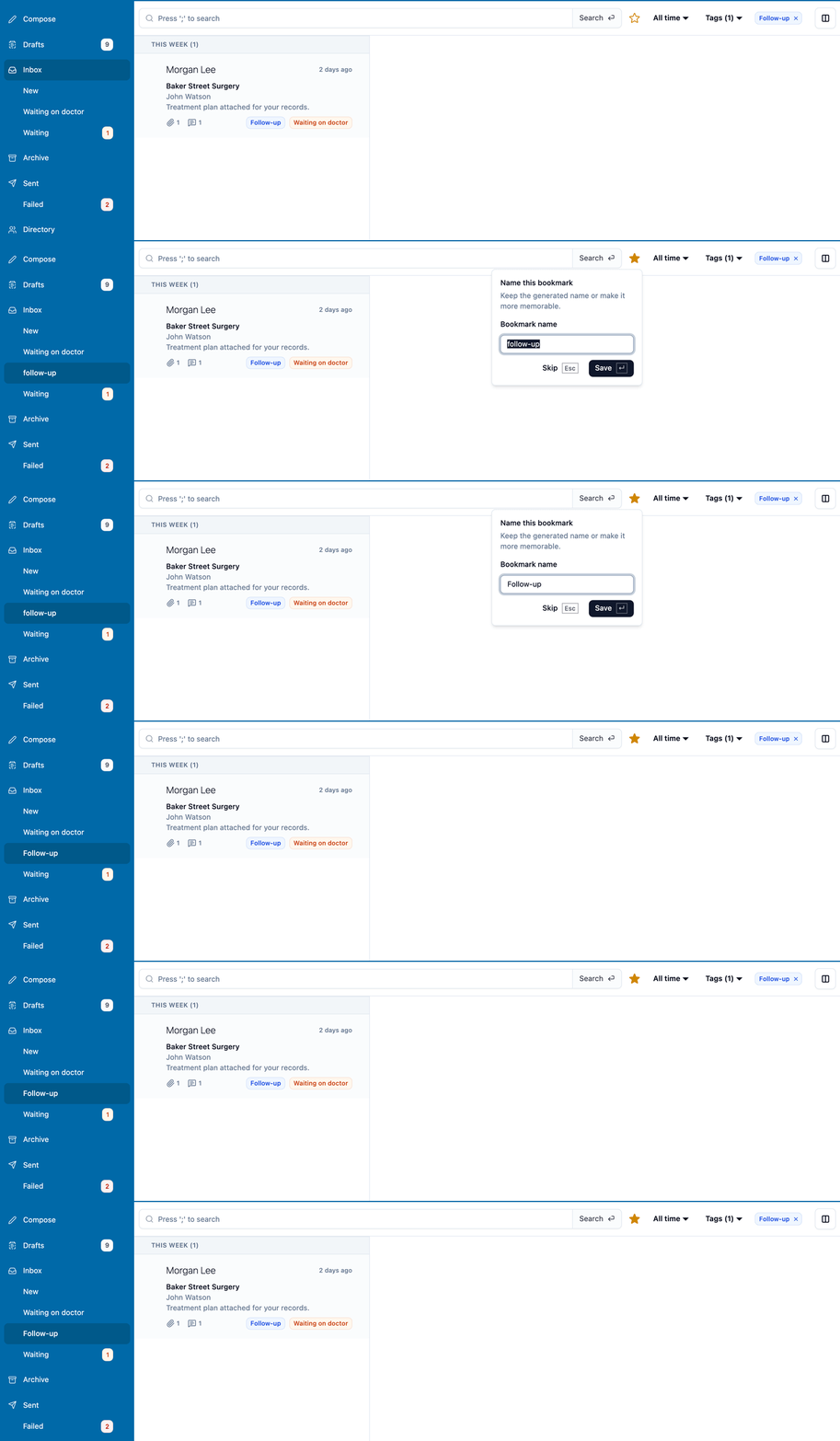
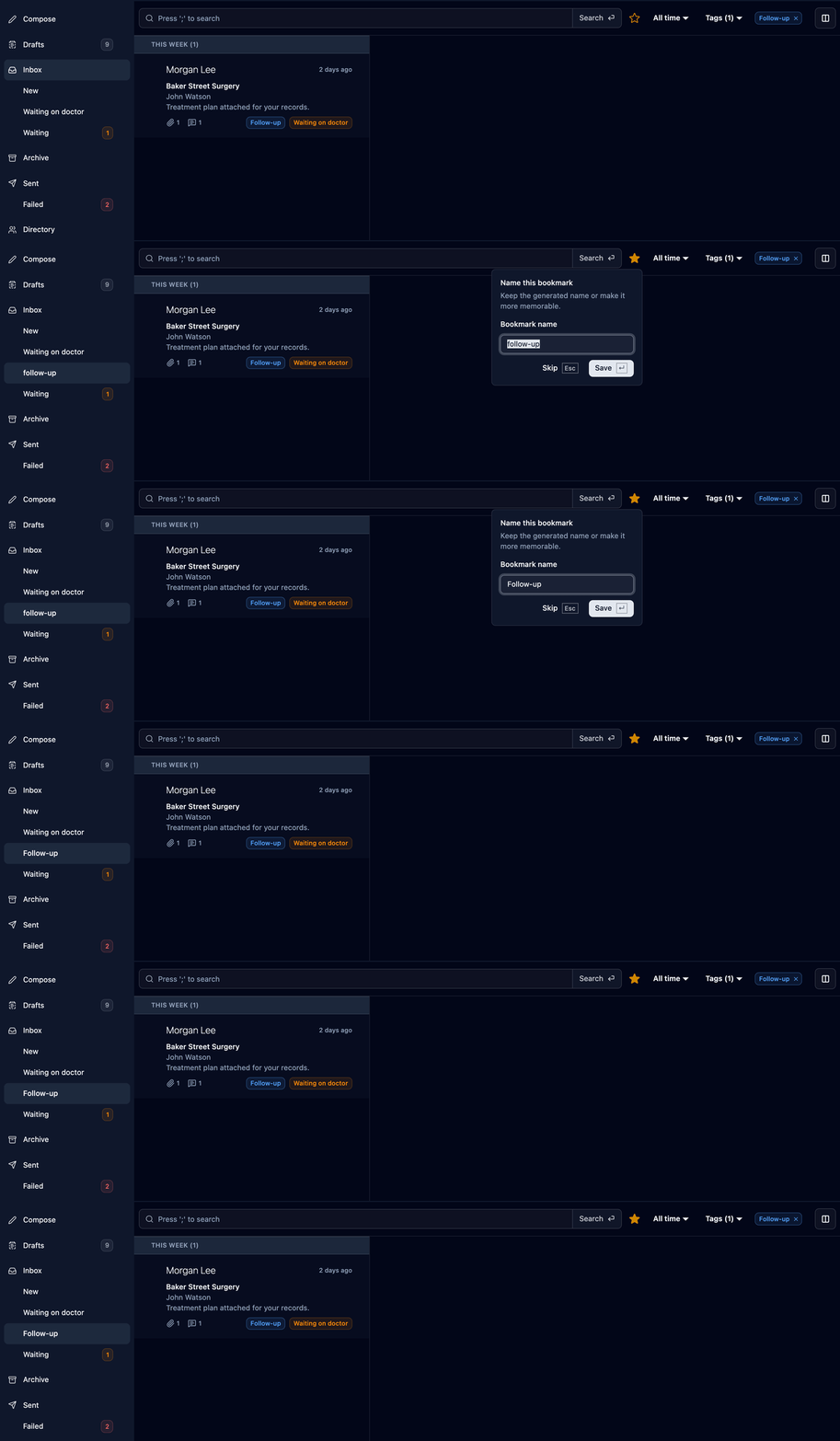
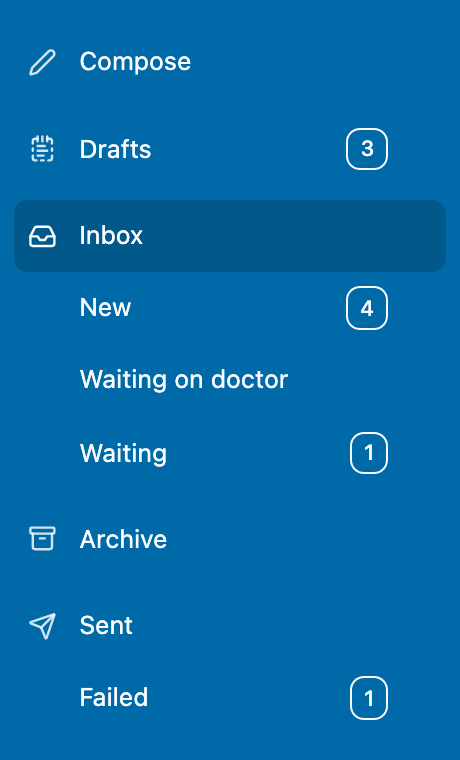
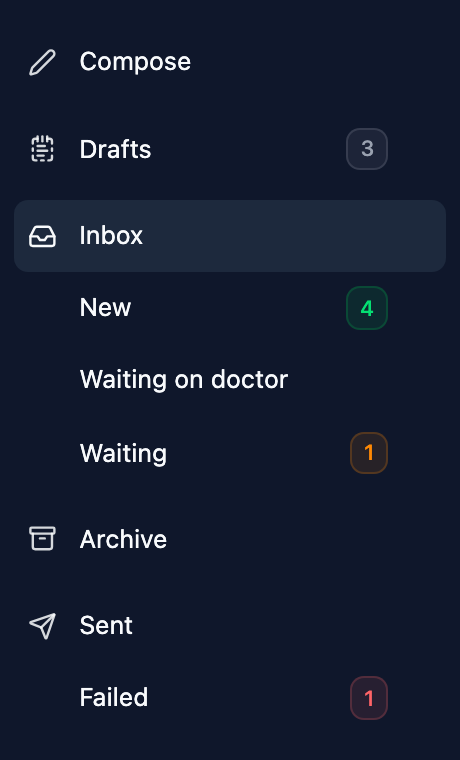
The view sits in the menu under where it came from — Inbox views under Inbox, sent views under Sent — and keeps itself up to date as new correspondence arrives. To rename one, rest your mouse on it and click the pencil; to remove it, open it and click the filled-in star again.
Save the New Inbox view and the unread count moves off Inbox and onto your saved view.