Every sent correspondence carries a tracking label for each recipient on the Sent page. The patient has a label of their own, which appears once a copy has been sent to them.
- Sent (blue) — delivered, not yet opened.
- Opened (green) — they’ve opened it.
- Sent alternatively (yellow) — recorded as having gone out another way, outside Mediref, such as by post or fax.
- Expired (orange) — their access has run out.
- Revoked (orange) — you or a colleague cut their access off on purpose.
- Blocked (red) — they typed the extra password wrong too many times. See Unblock correspondence.
- Failed (red) — the email couldn’t be delivered. Usually a wrong address, a full mailbox, or their mail system turning it away.
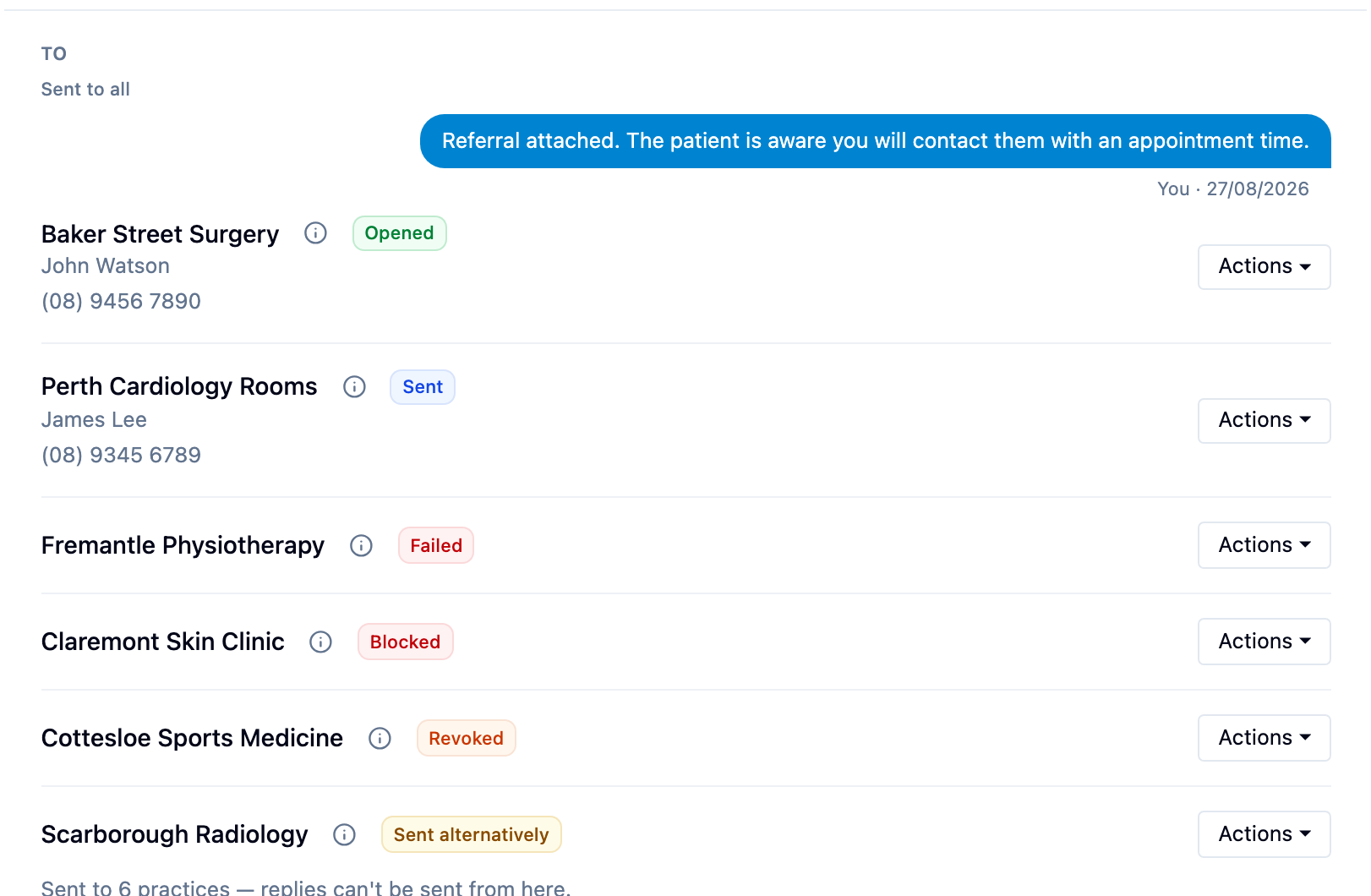
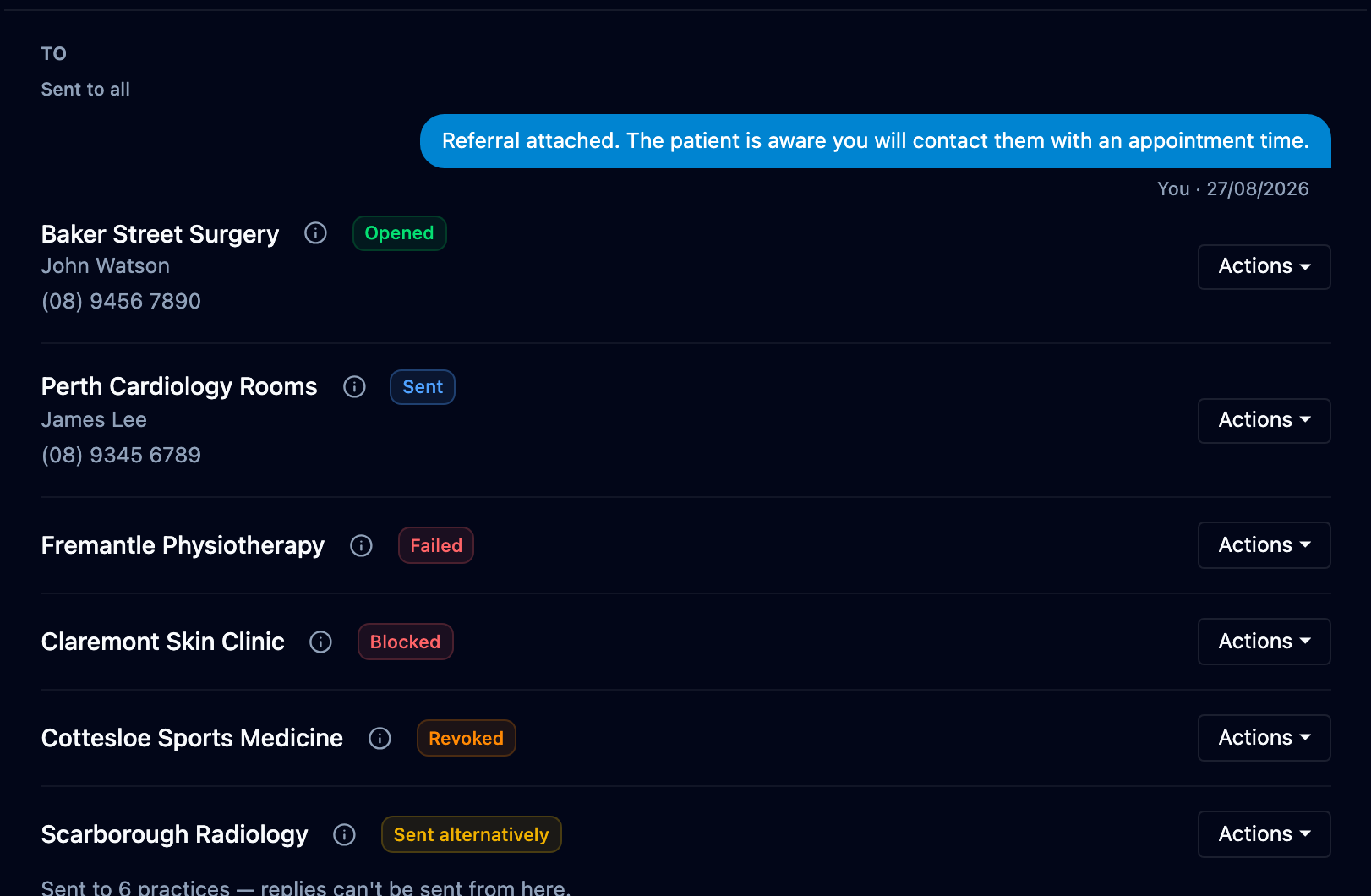
A record request also carries an orange Waiting tag until every item on its list has been answered, and the tick beside the recipient turns green when it has — see Request records.
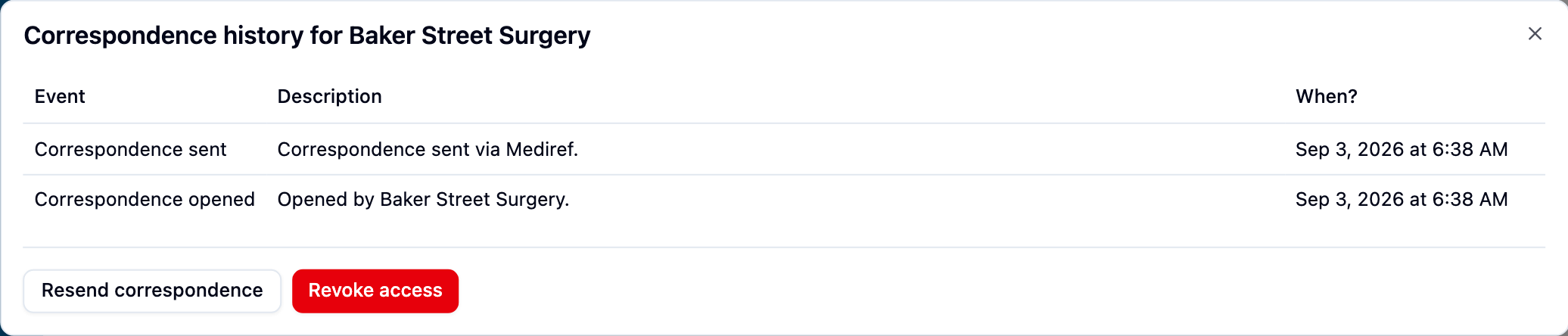
Click a label to open Correspondence logs for recipient name: a timestamped record of every notification, opening, password attempt and access change, with Resend correspondence and Revoke access buttons at the bottom.
The tracking filter at the top of Sent narrows the list to any one status. Unopened finds the recipients whose label reads Sent. Bookmark a filtered list, or save it to the sidebar.