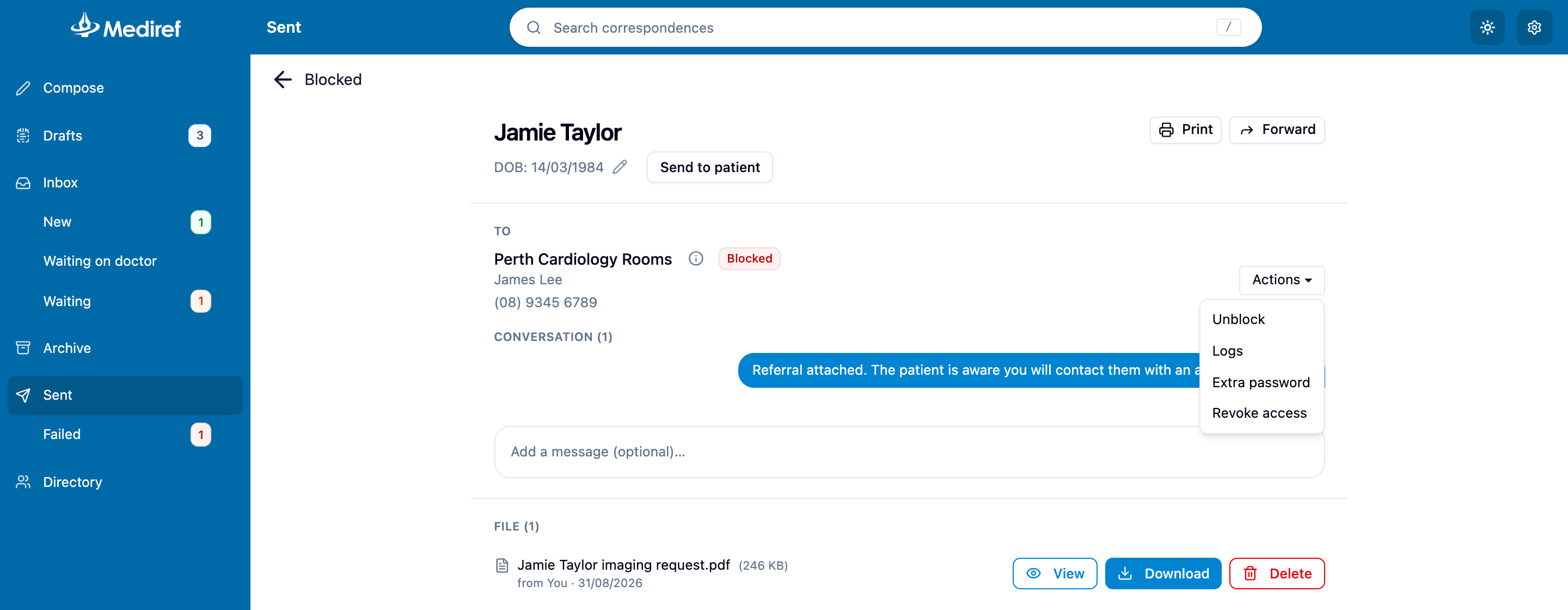
Gives a recipient whose label reads Blocked their access back and sends the correspondence to them again. Mediref blocks someone after they type the extra password wrong too many times; nobody else on the correspondence is affected.
Steps
- Open the correspondence from Sent. The tracking filter Blocked finds these quickly.
- If the password is the patient’s date of birth, check the date at the top of the correspondence and click the pencil to correct it. A typing mistake there is the usual cause.
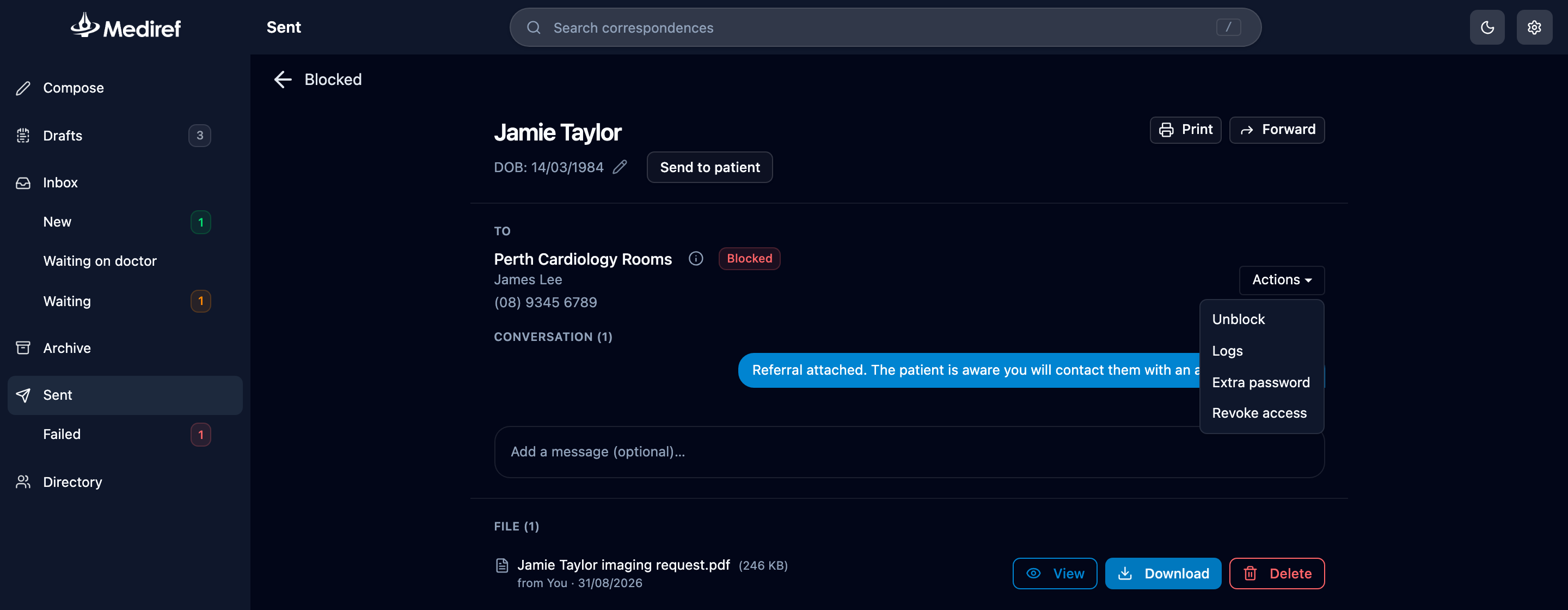
- Click Actions beside the blocked recipient and choose Unblock, where Resend normally sits.
- Check the email address and the extra password, then click Send.
Their attempts start again from the beginning. Unblocking always sends a fresh email, so tell the recipient the correct password and ask them to use the newest one.