Puts a second check on the secure link you send to a patient, or to anyone who isn’t on Mediref. They have to enter it before the link will open.
- Date of birth — they enter the patient’s date of birth. Simple, and they usually know it already.
- Custom — you choose the password, and can add a hint. Tell the recipient over the phone. The hint shows in their email and on the password screen, along with your practice’s phone number and email so they can ask you for it.
- None — the link opens with no extra password.
One setting in the Patient section of Compose covers the patient and every recipient who isn’t on Mediref; there’s no separate setting for each person. The review screen before sending lists email addresses only, so check the Patient section before you click Send.
What appears there follows your practice’s default, set in Settings → Correspondence → Extra password defaults:
- Custom — the full Extra password choice of None, Date of birth or Custom, with Custom password and Password hint (optional) boxes when you pick Custom. Filling in Default custom password in Settings reuses the same password every time; leave it blank to type one each time.
- DOB — one switch: Use patient’s DOB as an additional password for recipients not on Mediref.
- None — nothing appears, unless the correspondence already has a date of birth password on it.
Check or change it after sending
- Open the correspondence in Sent, click Actions beside the person who’s stuck, and choose Extra password.
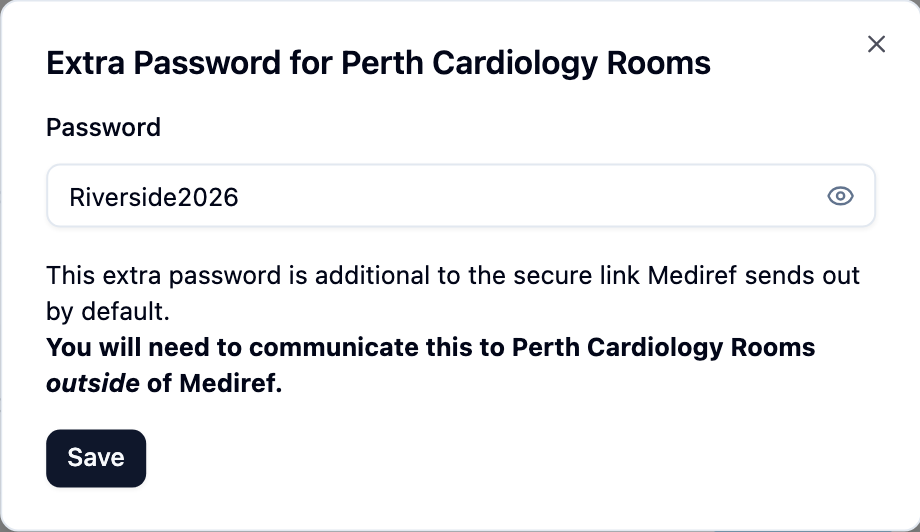
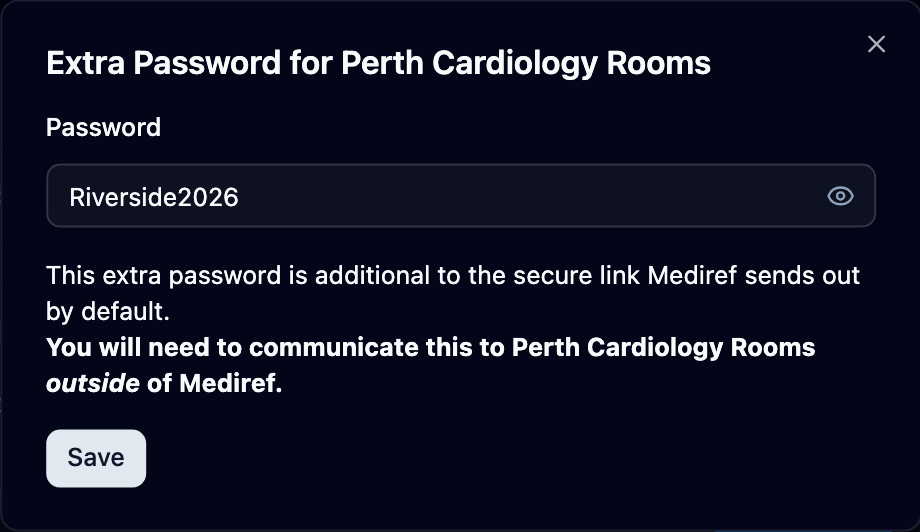
- Extra Password for name opens with the current password already in it. A date of birth shows as a date; a password you chose is hidden behind dots until you click the eye button.
- Read it back to them, or type a new one and click Save.
Check you’re speaking to the right person before you read a password out, and tell them any new one yourself — Mediref doesn’t email it. Changing a date of birth changes it for everyone on the correspondence using it; changing a password you chose affects only that one recipient.