Gets you past the password screen on a secure Mediref link. The practice added this check to protect the patient’s information.
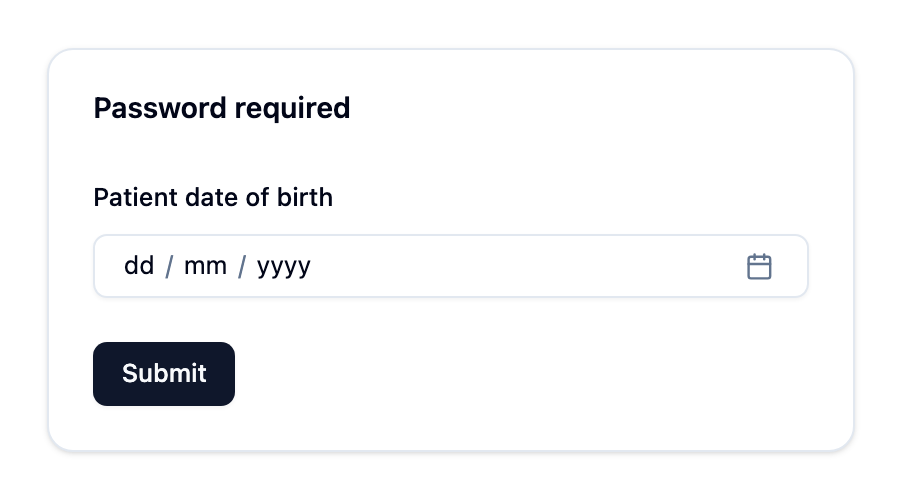
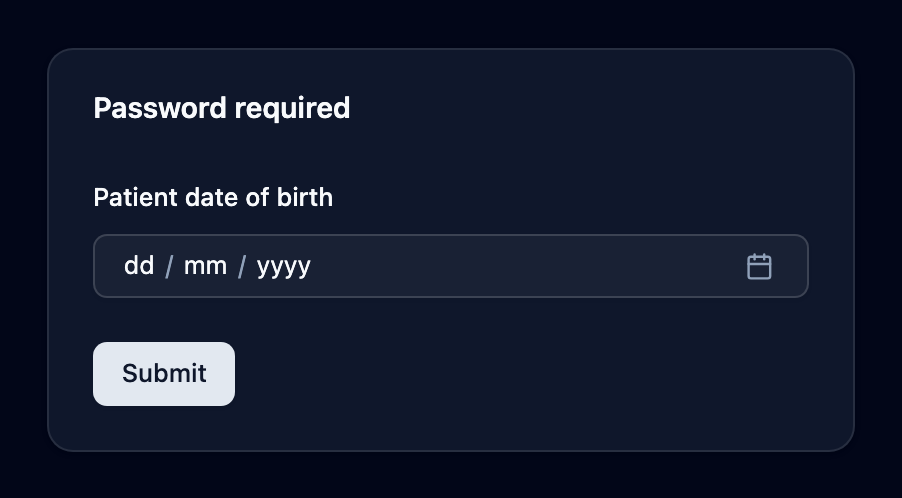
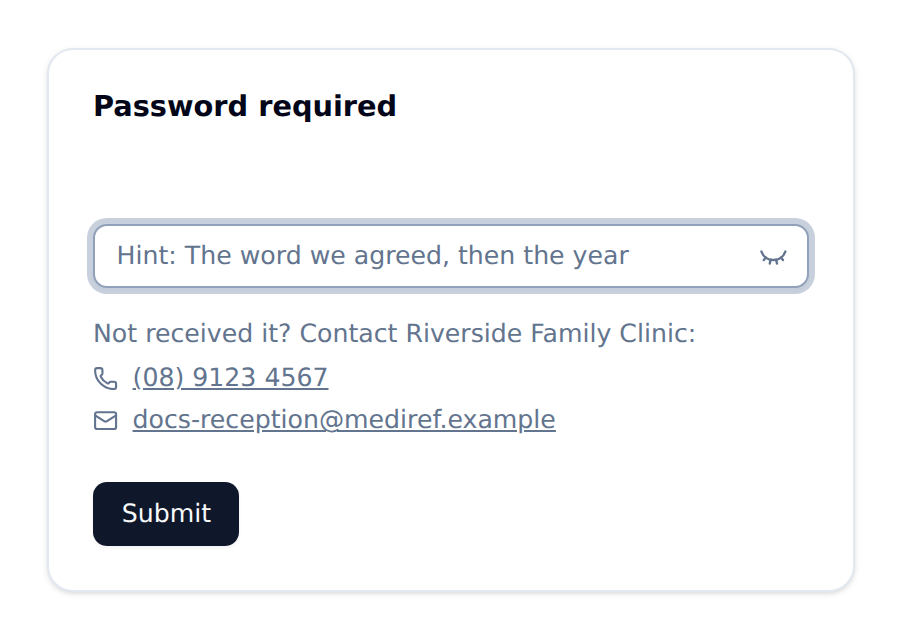
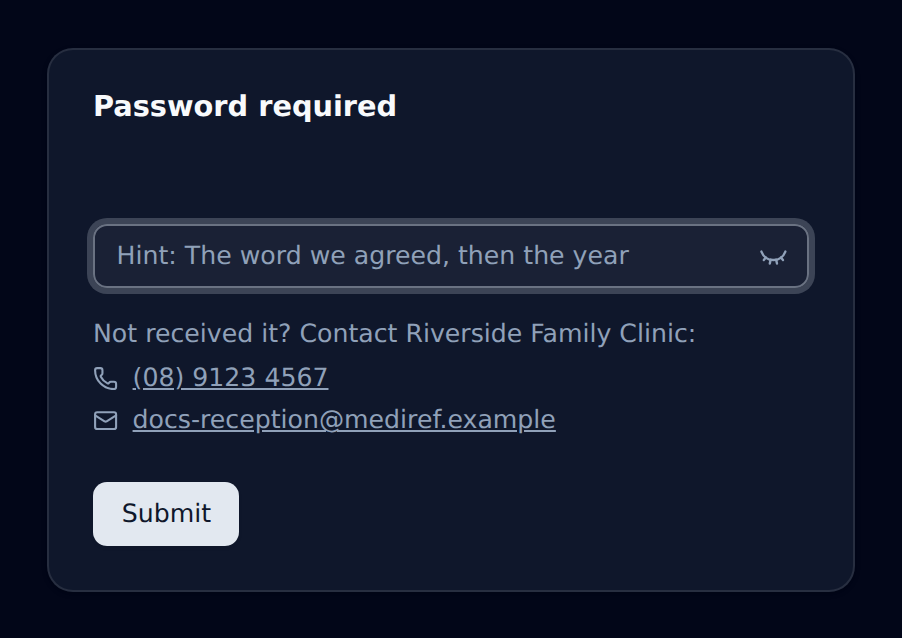
The box is headed Password required and tells you which kind of password it wants:
- Patient date of birth — you pick the date from a calendar instead of typing it. If you’re the patient, use your own.
- A password box — a password the practice chose. If they left a clue, it shows in the box as Hint: until you start typing, then moves above it. Underneath, Not received it? gives the practice’s phone number and email so you can ask them for it.
Then click Submit.