Opens correspondence a practice has sent you and lets you save the files. You don’t need a Mediref account or any software, just the link in the email.
Steps
- Open the email and click the secure link.
- If you’re asked for an extra password, enter it. It’s usually the patient’s date of birth — see Enter the extra password.
- Click Download beside a file to save it, or View to read an image or PDF on screen first. Clicking the file name itself does nothing.
- With more than one file, Download all saves the lot in a zip folder named after the patient.
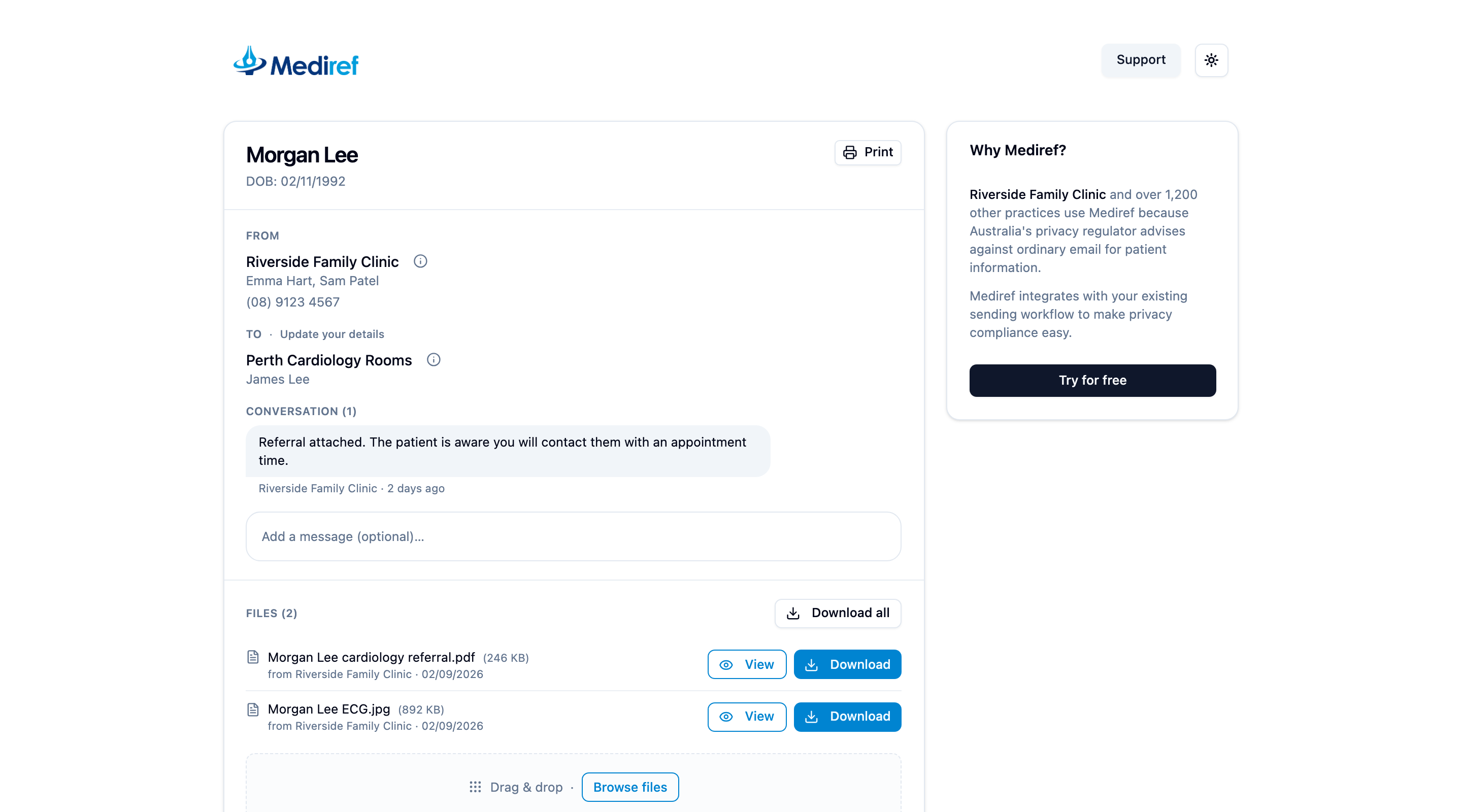
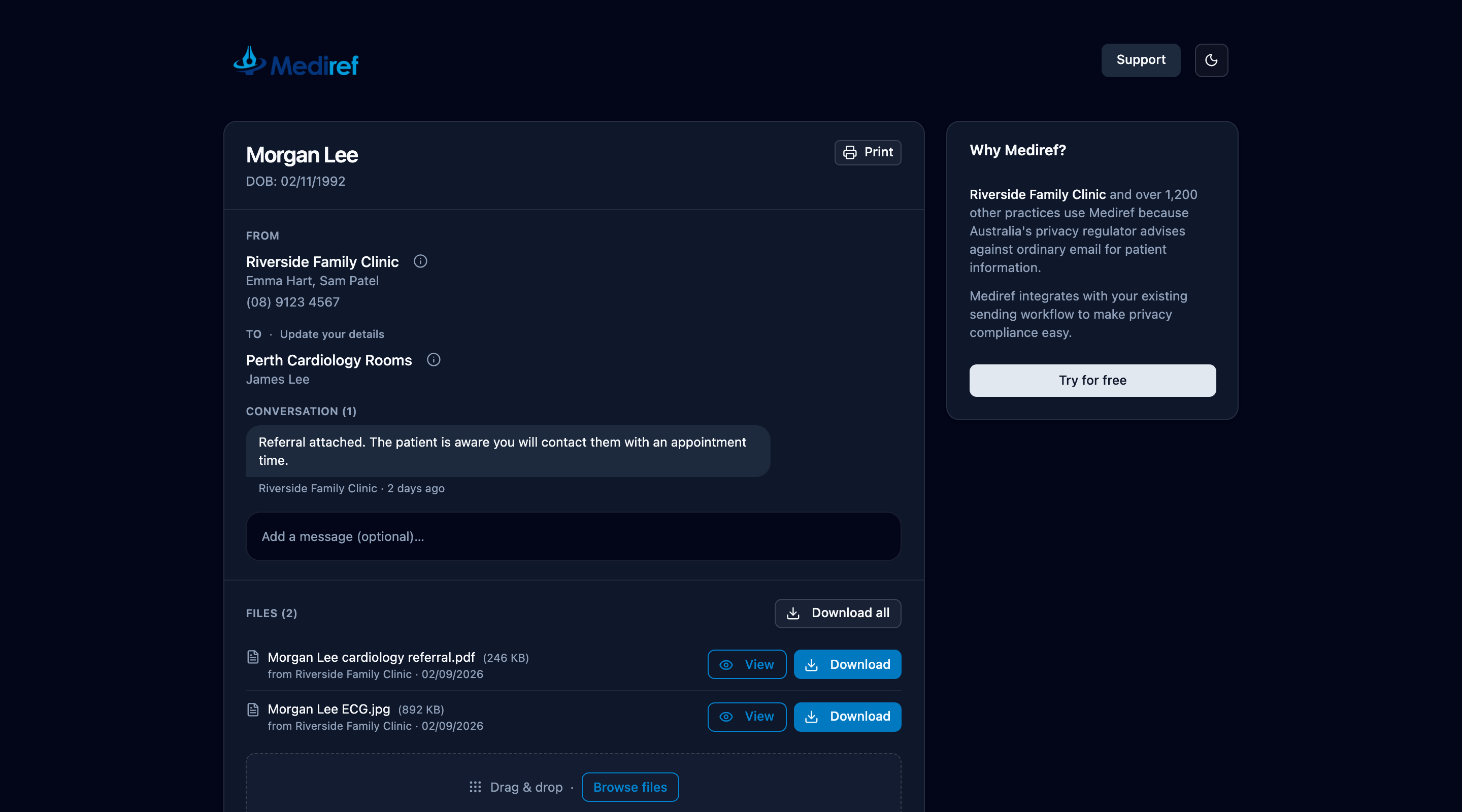
To send a message or files back to the practice, use the reply box at the end of Conversation on the same page — see Reply from a secure link.
Print / Save PDF gives you a letter-style copy of the whole thing: who sent it, who it went to, the message, and the list of files. The same email link keeps working until your access runs out; the practice that sent it decides how long that is.
If you weren’t expecting the correspondence, don’t use a phone number from the email itself. Ring the practice on a number you already have.