Corrects the details other practices see when they look your practice up, so the next lot of correspondence comes to the right place.
Steps
- Open the secure link from your email and click Update your details at the bottom of the correspondence.
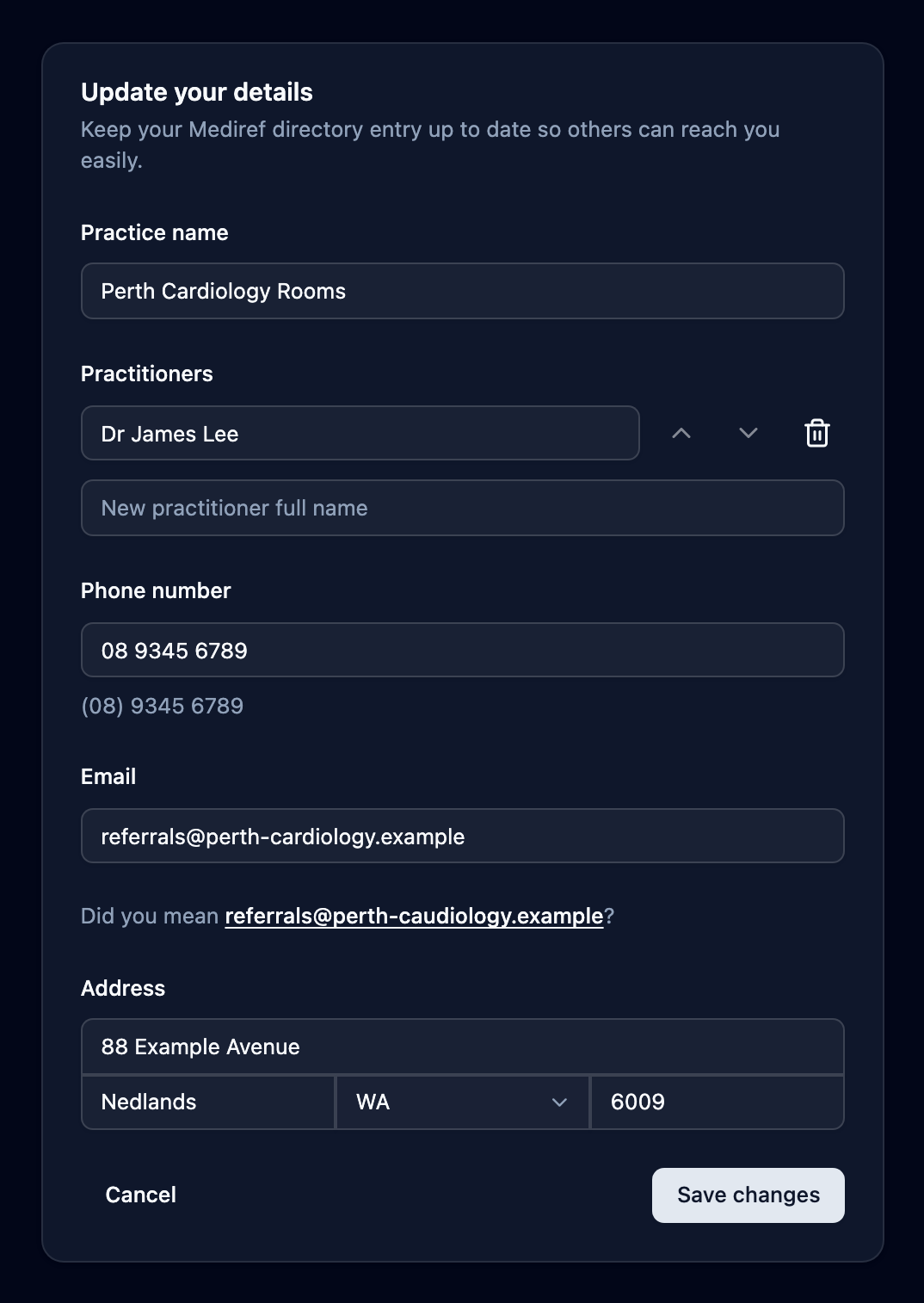
- Correct Practice name, Practitioners (which you can add to, remove from or reorder), Phone number including the area code, Email, or the address block. Email is where future correspondence is sent, so check it carefully.
- Click Save changes, then Back to correspondence.
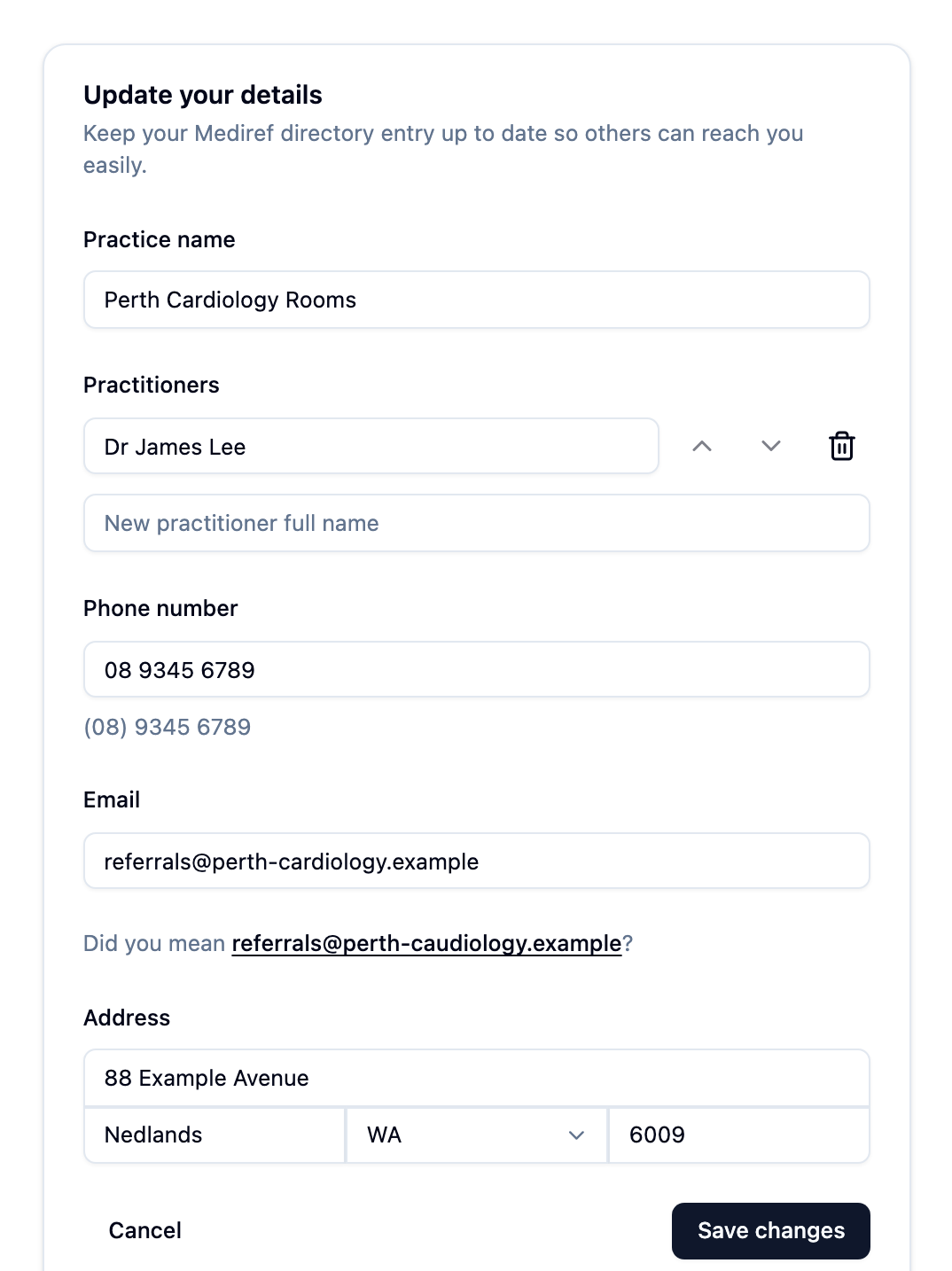
Changes take effect straight away. If the entry on screen isn’t your practice, change nothing — close the page and ring the practice that sent you the correspondence.