Sends the correspondence out again, so the recipient gets a fresh email and a working link.
Steps
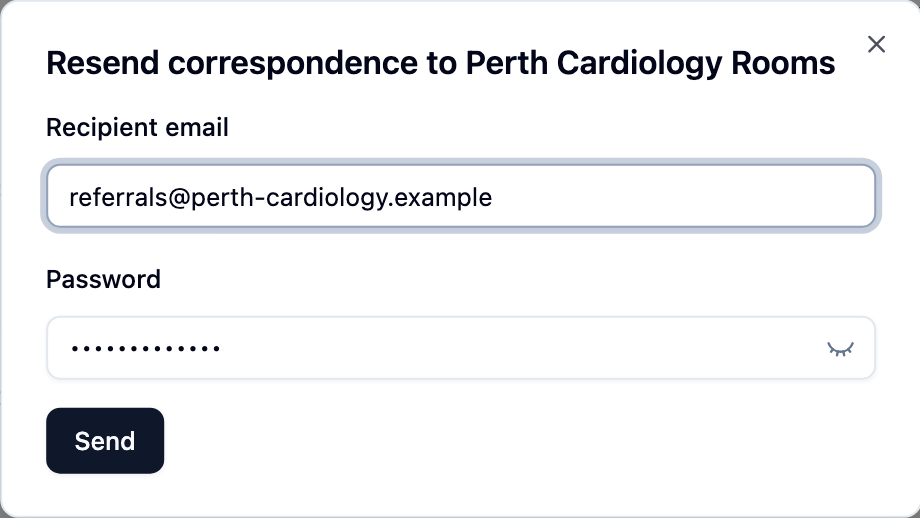
- Open the correspondence from Sent, click Actions beside the recipient and choose Resend.
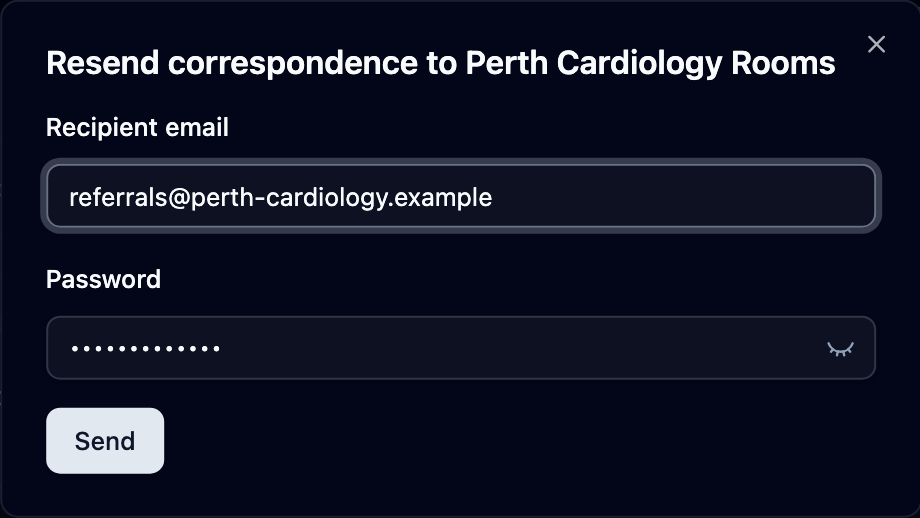
- Check Recipient email. It can only be changed for recipients who aren’t on Mediref.
- Correct the extra password if there is one — Extra password (DOB) or Password.
- Click Send.
For a recipient who isn’t on Mediref, resending also starts their access period again, so their link lasts as long as a fresh send would (90 days unless your practice has changed it — see How long files and links last). A Mediref recipient just gets a new notification; nothing about their access changes.
Resent to the same address, the link stays the same, so the one in any earlier email works too. Changing the address, unblocking, or resending after you revoked access replaces the link, and only the newest email opens it.
If the address now matches a Mediref account, a Convert recipient to Mediref box appears after you click Send. Check the practice shown is the right one and click Yes, and from then on their correspondence lands in their Mediref inbox. Closing the box cancels it.