Stops a recipient opening correspondence you’ve sent, straight away. Their link stops working at once and their label changes to Revoked.
Steps
- Open the correspondence from Sent.
- Click Actions beside the recipient or patient concerned and choose Revoke access. It happens straight away, with no “are you sure?” step.
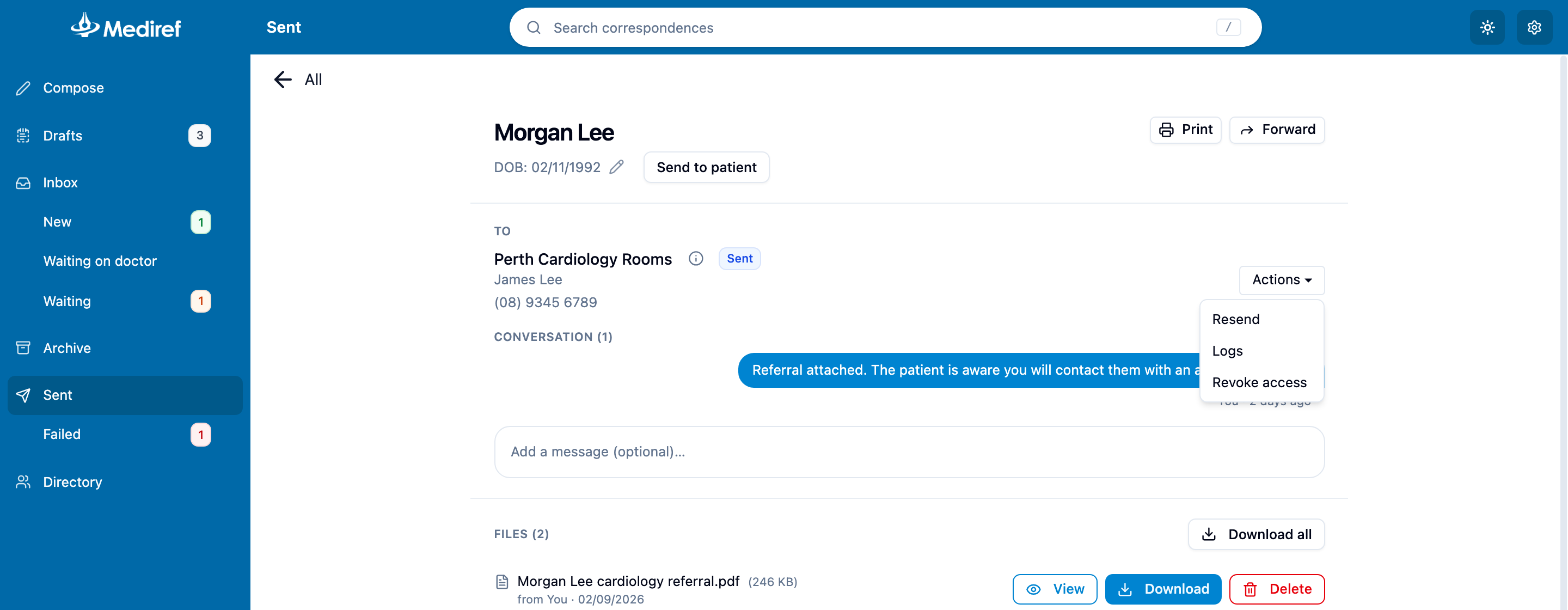
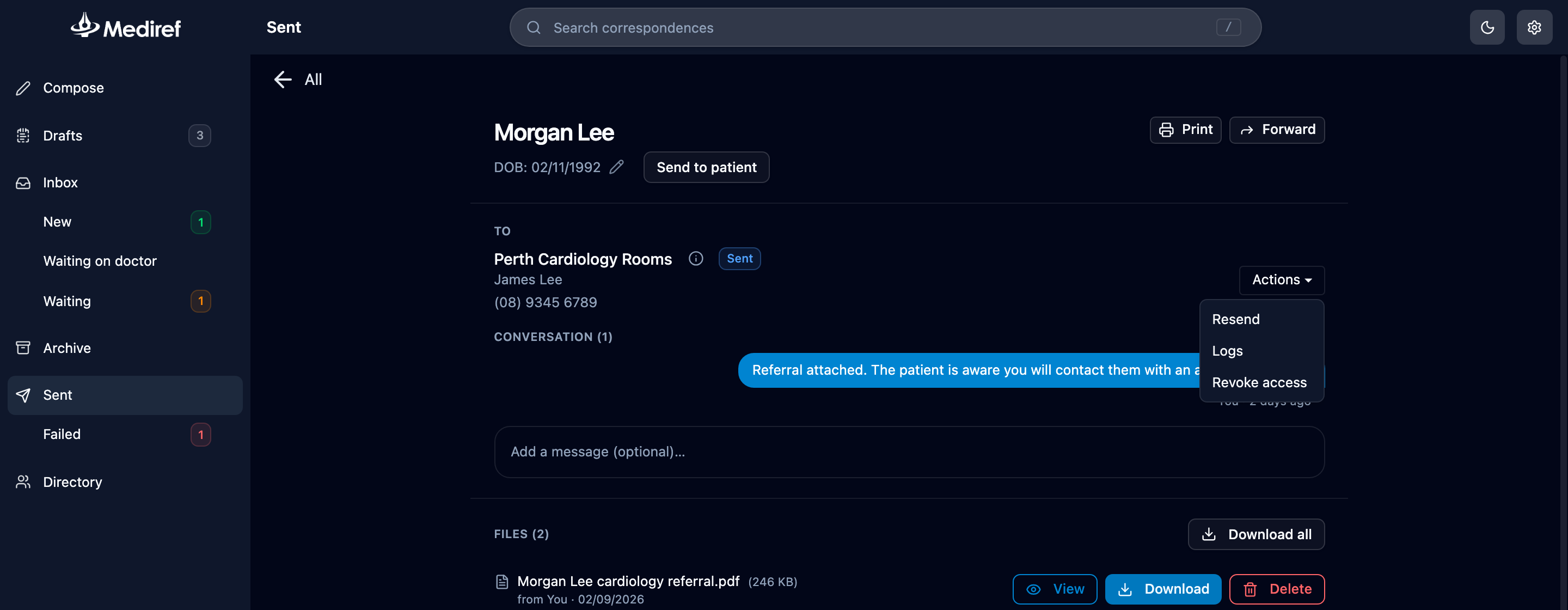
Access is cut off one recipient at a time, so the others keep theirs. You can also revoke from the delivery log, using the red Revoke access button at the bottom.