Search through your Inbox, Archive, and Sent all at once. You can search by any of:
- the patient’s name or email address
- For received correspondence: the sending practice name or the names of their practitioners
- For sent correspondence: the recipient practice’s name, its email address or its practitioner names
Messages, file names and file contents are not indexed or searched through.
Steps
- Press / or click the search box at the top of the screen.
- Type your search query.
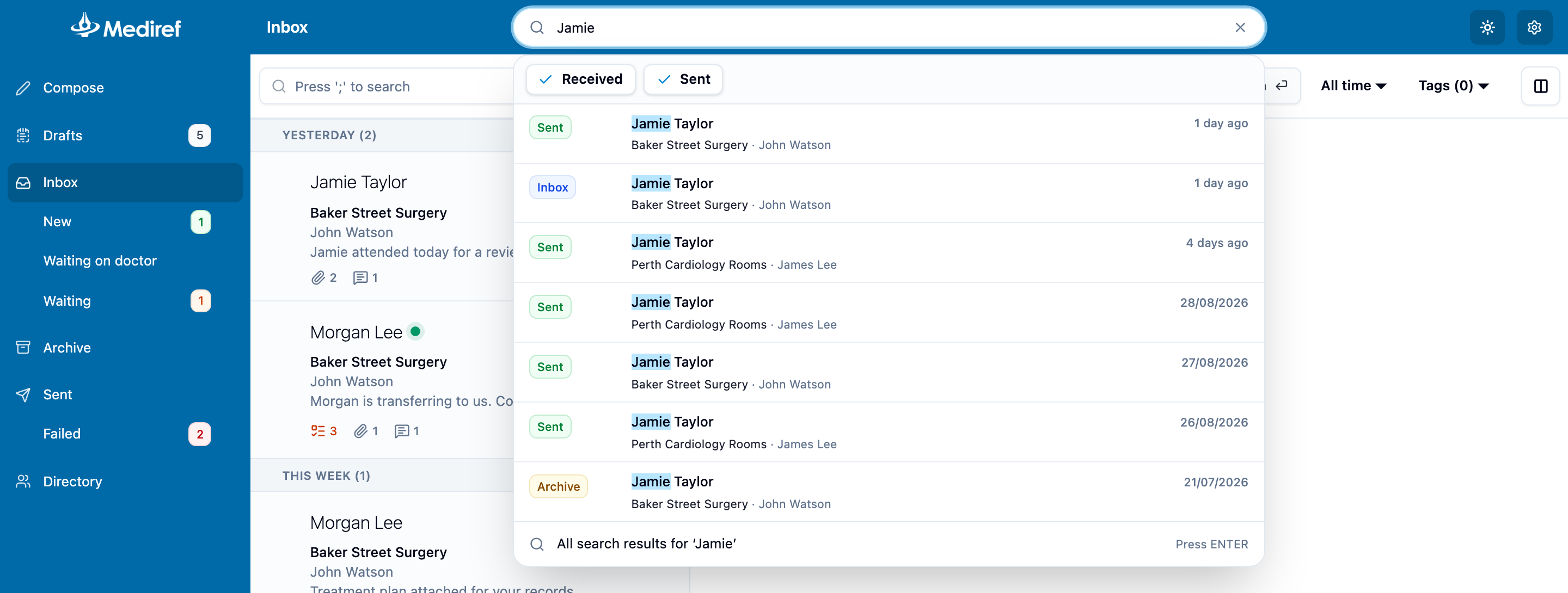
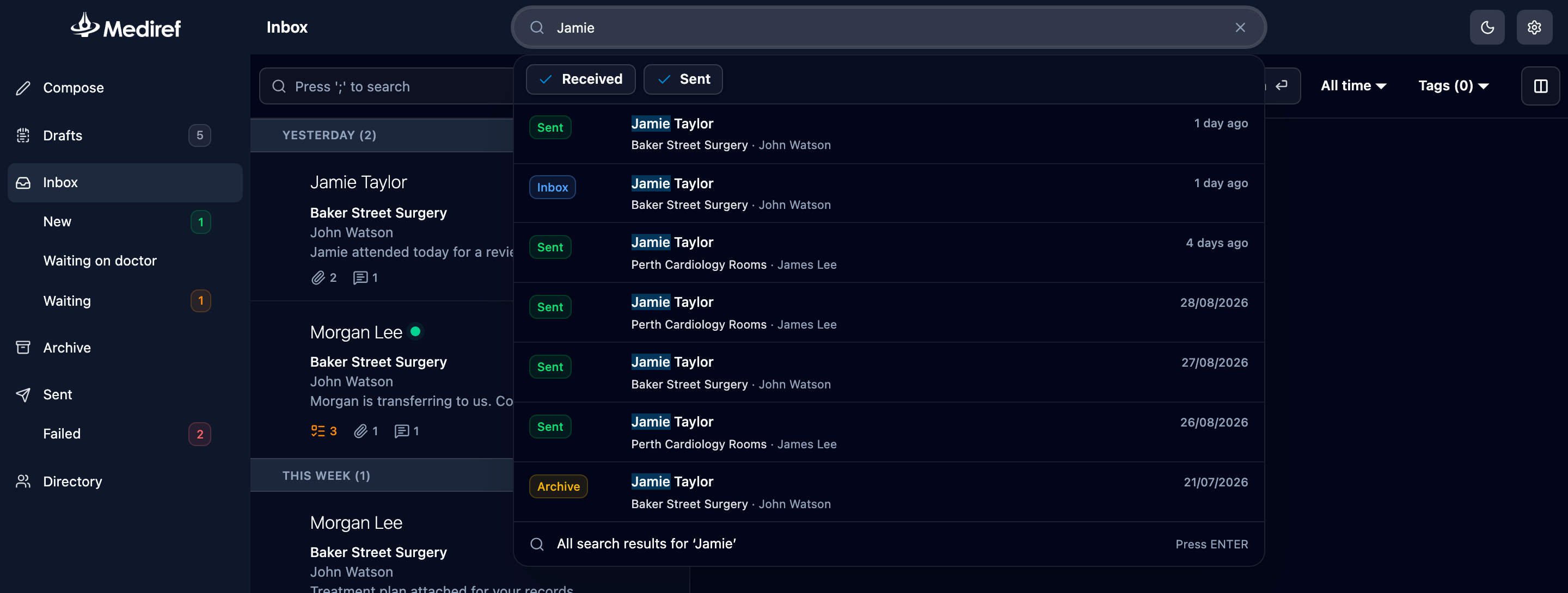
Looking for something older than 2 years and specifying sent/received
The quick search at the top defaults to searching within the past 2 years. Beyond that, click on ‘All results’ to specify whether you are searching specifically for sent or received correspondence (regardless of whether it may be in your inbox or archive folder).