This month you can read correspondence as one continuous list, see at a glance what’s stopping a send, and review suggested changes to your practitioner list.
Full list view
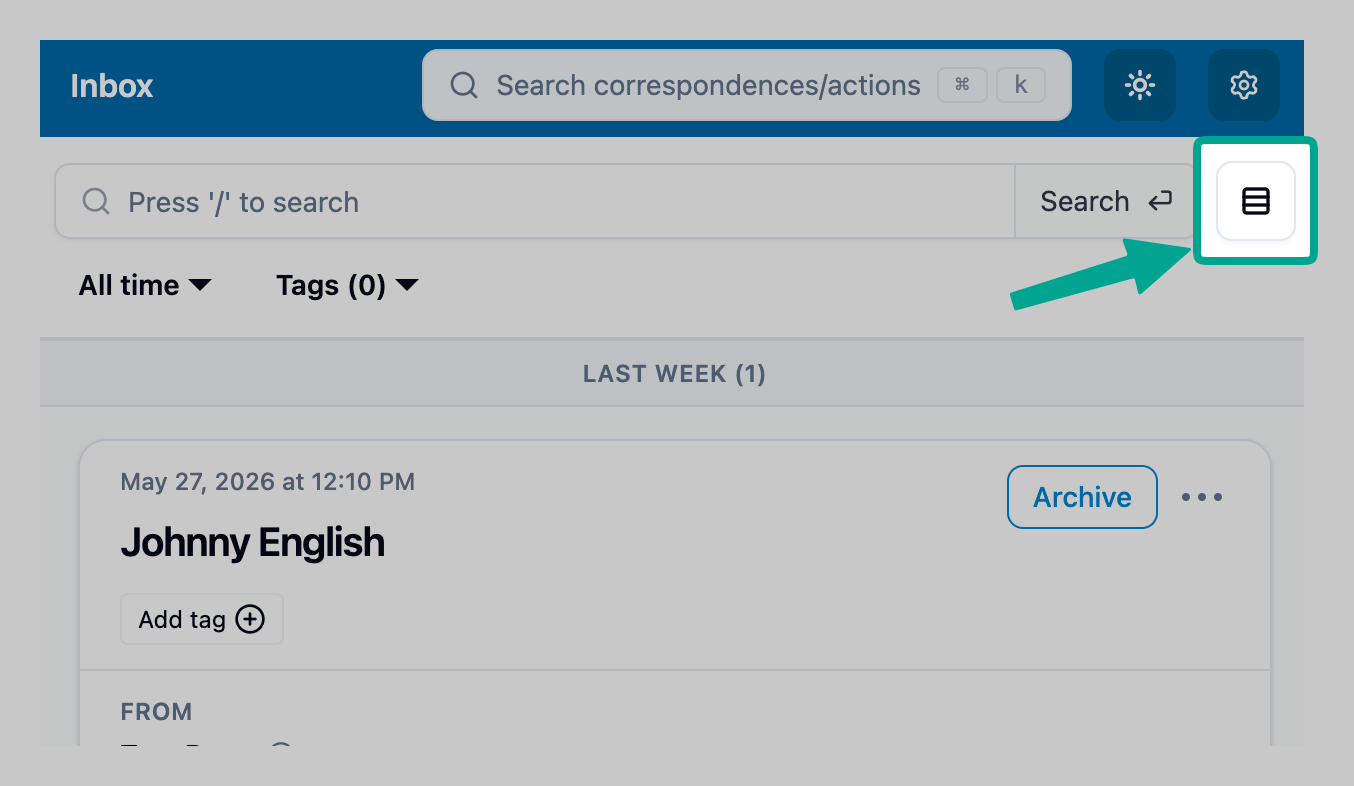
Your Inbox, Archive, Sent and search results now come in two layouts. Split view is the familiar one, with the list on the left and the open item on the right. Full list view shows each item as a full card in a single list, with its files and an Archive button, so you can work through a busy inbox by scrolling instead of opening items one at a time.
Switch with the layout button at the top right of the page, beside the search bar. Mediref remembers your choice. In full list view, an item only counts as opened for the sender once it scrolls onto your screen, so their tracking stays accurate.
A checklist on the Send button
When something still needs doing before you can send, the Send button shows an information icon. Hover over it to see the Presend checklist: what’s done and what’s missing, such as patient details, files or a message, a recipient, or uploads that haven’t finished. Click an item to go straight to that field.
Review your practitioner list
When there are suggested changes to your practice’s practitioner list, Practitioners in the sidebar shows a Review badge. Open it to keep or remove each practitioner, correct a name, and add suggested practitioners. An accurate list helps correspondence reach the right people.
Smaller improvements
- Search results filter by Received or Sent.
- Searching for a recipient ignores titles such as “Dr” or “Prof”, so “Dr Jane Citizen” finds Jane Citizen.
- Pasting a patient’s details recognises dates of birth without leading zeros, such as 5/8/1990.
- Archiving or unarchiving an item shows it moving to Archive or Inbox in the sidebar.
- Delivery status on sent items no longer gets cut off when the recipient lists many practitioners.
- The quick search window (Ctrl+K) is larger, so more results fit.
- Patients and anyone who received a secure message are pointed to the link they were sent instead of creating an account by mistake.