Pulls correspondence that arrived by secure link into your practice’s Mediref inbox, for when another practice still sends to you by email link.
Merging brings the whole directory entry into your account, not just the correspondence in front of you. Every correspondence anyone has ever sent to that entry lands in your Inbox with a green New tag, and everything sent to it from now on arrives there directly. Only do this if the entry really is your practice.
Steps
- Sign in to Mediref in your web browser, then open the secure link from the email in that same browser.
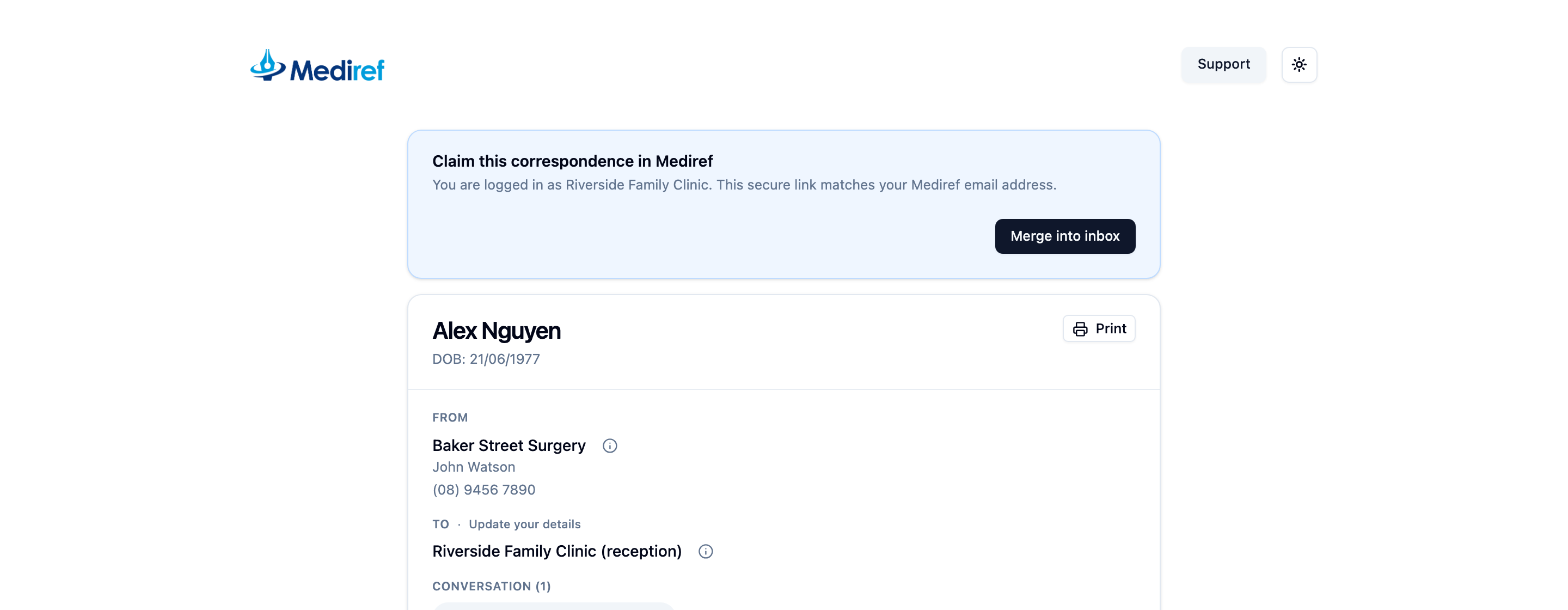
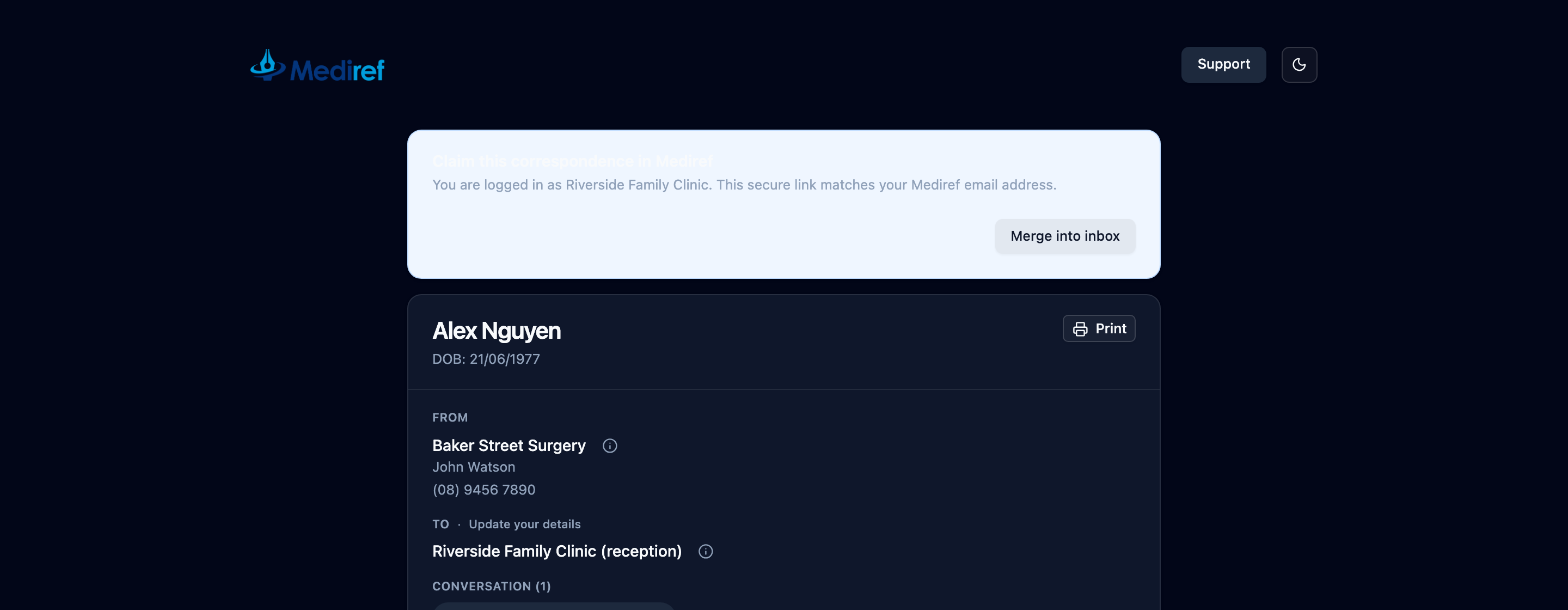
- Check the blue Claim this correspondence in Mediref card above the correspondence names the right practice, and click Merge into inbox.
If you’d rather not merge, download the files from the secure link and ask the sending practice to look your practice up in the directory instead. Their next correspondence then arrives in your Inbox without a link.