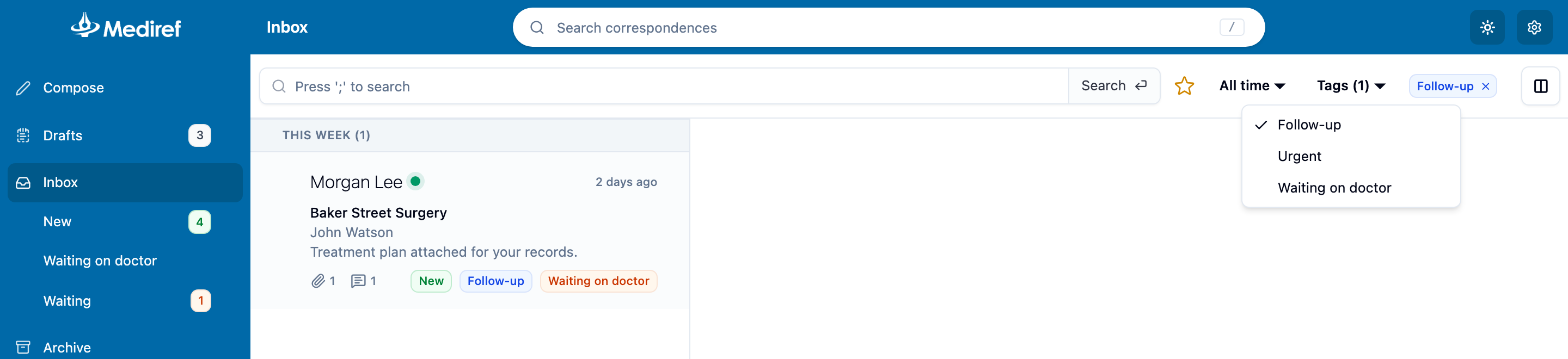
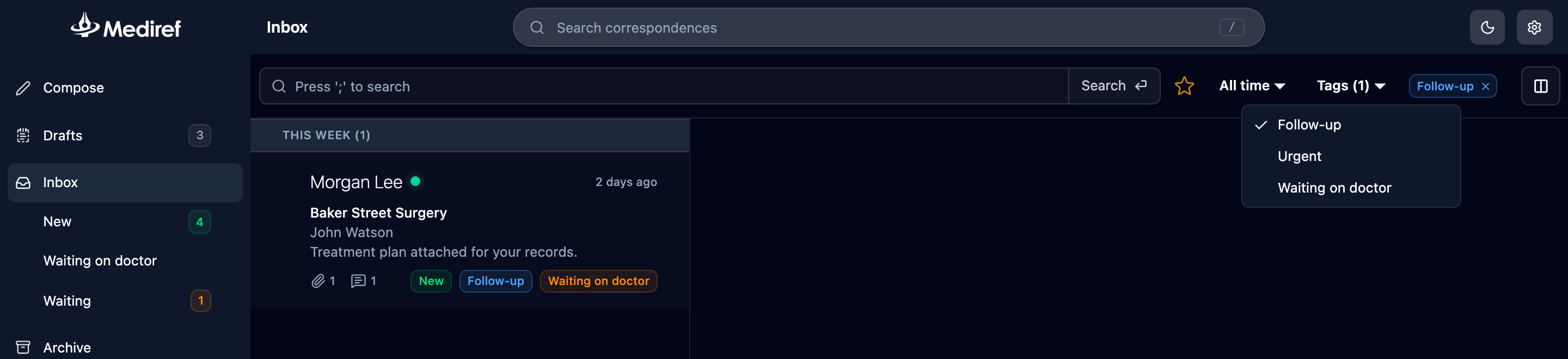
Tracks down correspondence that has been sent to you but isn’t in your Inbox.
Steps
- Refresh the page. The Inbox doesn’t update itself while you’re looking at it.
- Empty the search box, then click Tags and clear any tags you find. Tags are the usual culprit. The date isn’t, because the Inbox covers all dates until you change it.
- Check the page numbers at the bottom of the list, and check Archive in case a colleague has filed it already.
- Ask the sender which practice and email address they sent to. If they picked a different entry in the directory, it went to that account instead of yours.