Gives the patient their own secure link to the correspondence — a referral they’ll take to a specialist, say, or results they’ve asked for.
While composing
Type the patient’s email into Patient email (optional) in the Patient section. Extra message (optional) appears once the address is valid, for anything that isn’t already in the files.
The patient can be the only person you send to, and their access is tracked separately in Sent. Patient copies use whatever extra password you’ve set; the patient’s date of birth works well, since it’s something they know without you having to share a password.
After you’ve already sent
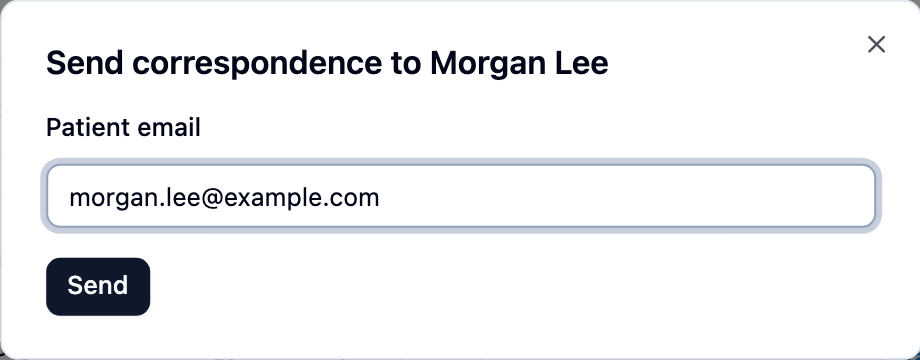
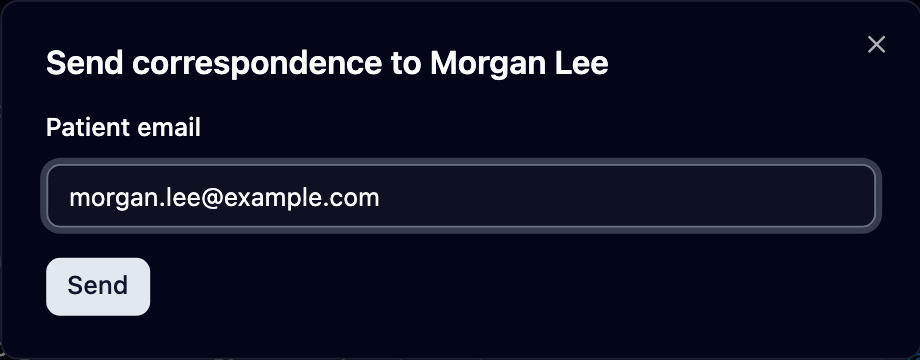
Open the correspondence in Sent and click Send to patient beside the patient’s name. In Send correspondence to patient name, type their email address, check the date of birth or password if one is shown, and click Send.
If the patient rings for help
Check you’re speaking to the patient or someone they’ve authorised, and read their email address back to them. Their page shows the correspondence and the files, nothing else.
- Ask them to click the link in the email from Mediref. It opens in their web browser — nothing to install, no account to create.
- If they see a card headed Password required, tell them what to enter, then ask them to click Submit. A date-of-birth password gives them a date picker labelled Patient date of birth, so they only need their own date.
- Ask them to click Download beside the file, or Download all for the lot as a single ZIP. On a phone, the file goes into Downloads or the Files app rather than opening straight away.